ResearchPie
Skip to content

Research easy
as pie.

ResearchPie is a Mac app that keeps your sources, notes, draft, and bibliography in one project, from the first search to the final citation.

  • Journal article
  • PDF
  • Website
  • Preprint
  • News story
  • Report
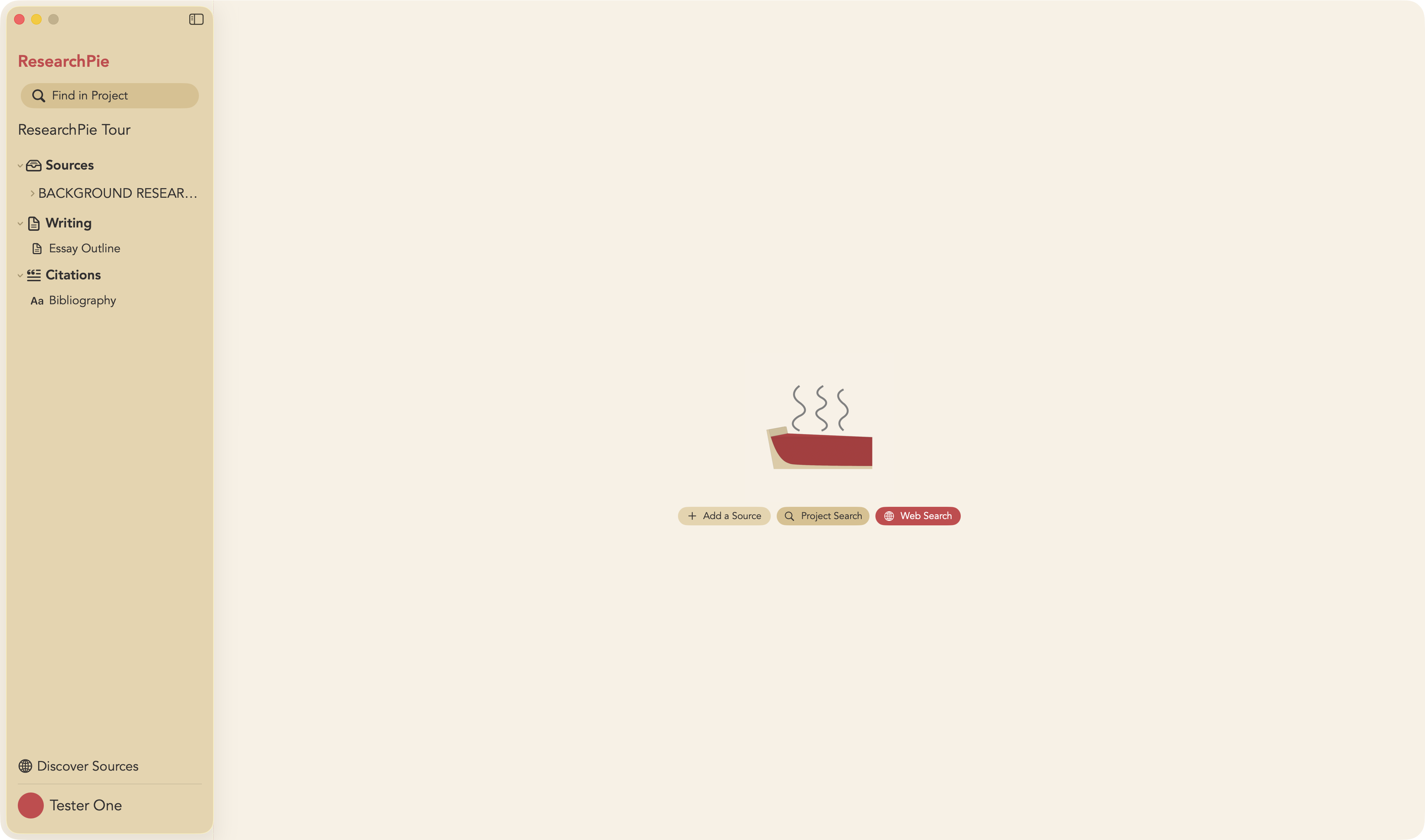
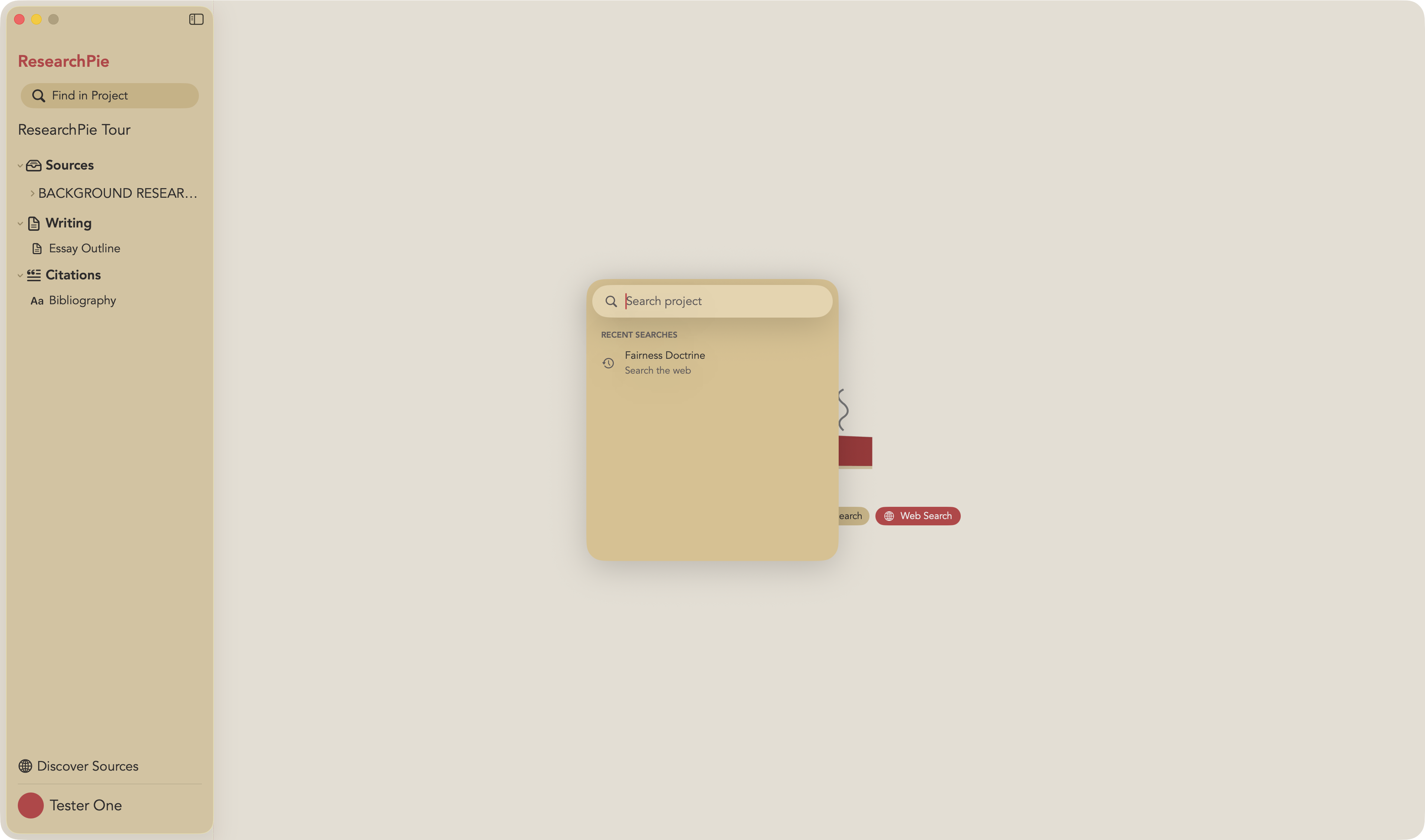
A ResearchPie project window with sources, writing, and citations in the sidebar and buttons to add a source, search the project, or search the web.
  • Your draft
  • Your bibliography

One thread, from first source to final draft.

Follow a single source through a ResearchPie project.

  1. 01Find

    Search seven libraries from one box.

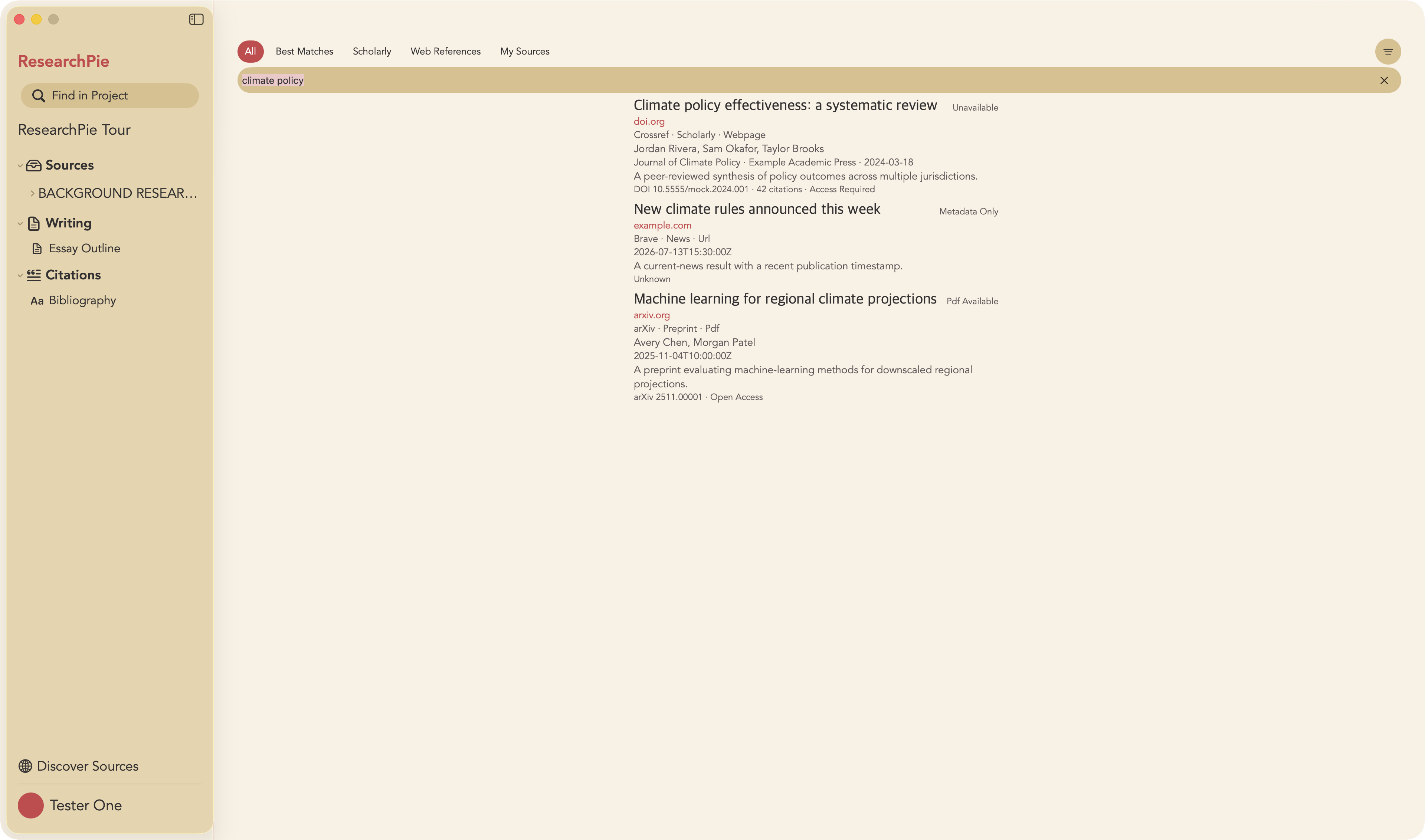
    ResearchPie Search checks scholarly indexes and the open web together, then shows what you can open: a full PDF, an open-access copy, or the citation details alone.

    • OpenAlex, CrossRef, Semantic Scholar, arXiv, Unpaywall, Wikimedia, and Brave Search
    • Filter by best matches, scholarly work, or web references
    • Save a search result, add a PDF, or capture a website
    Web and scholarly search results for climate policy inside a ResearchPie project, each labeled with its provider and availability.
  2. 02Read

    Every note stays attached to its source.

    Highlight a PDF or a web page and write your notes right beside it. Each note keeps its link to the source it came from, so you always know where an idea started.

    • PDF and website annotation
    • Source and notes in a split view
    • Quotes saved with the source they came from
  3. 03Write

    Draft where your research already lives.

    Write inside the same project. Your sources and notes stay within reach, so you keep your train of thought instead of hunting through windows and tabs.

    • Writing documents inside every project
    • In-text citations from your saved sources
    • Block quotes, bulleted lists, and numbered lists
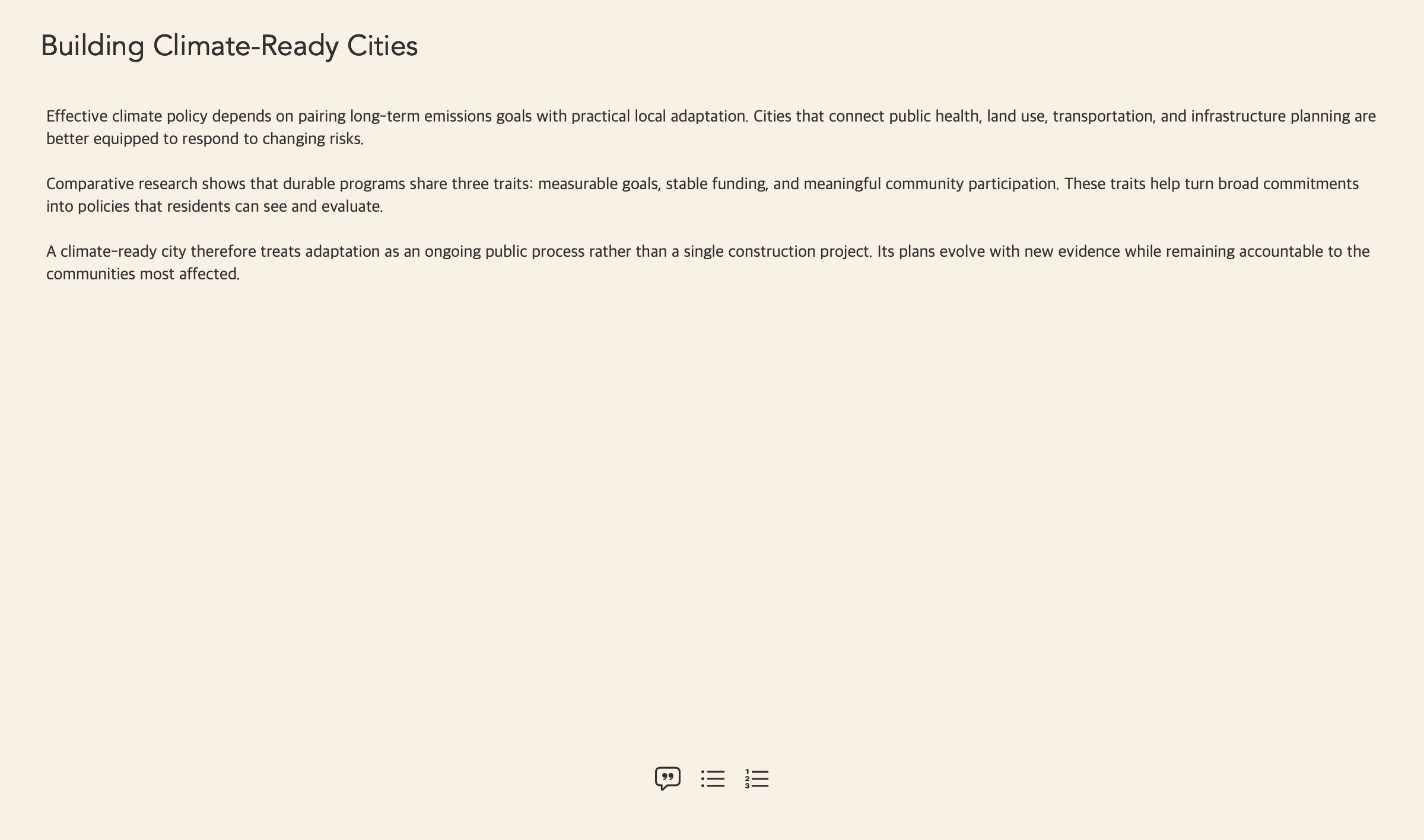
    A climate-policy draft titled Building Climate-Ready Cities in the ResearchPie writing editor.
  4. 04Cite

    The bibliography comes together, too.

    Every source you save carries its citation details. Your bibliography builds as you add sources, in the style your class asks for.

    • MLA, APA, and Chicago
    • Built from the sources already in your project
    • Citation details you can correct at any time
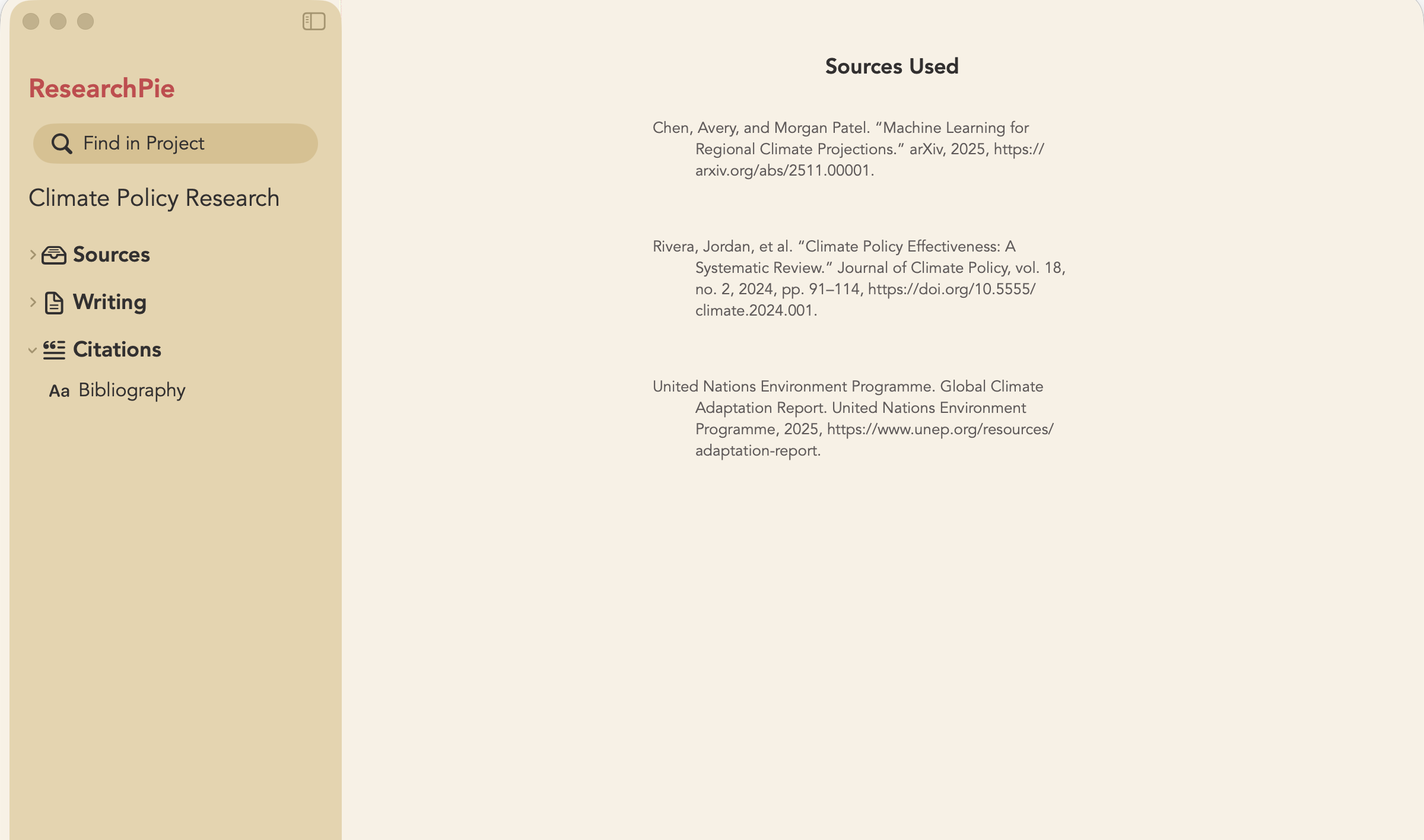
    An MLA bibliography generated from the sources in the ResearchPie project.
Project search finding sources, writing, quotes, and notes for climate research.

That quote you saved?
Right here.

One search covers the whole project, and every result opens with a keystroke.

  • Sources
  • Notes
  • Quotes
  • Writing
⌘KFind in project

The whole kit,
at a glance.

What you get in every ResearchPie project.

Capture
PDFs, websites, and results from ResearchPie Search
Search
OpenAlex, CrossRef, Semantic Scholar, arXiv, Unpaywall, Wikimedia, and Brave Search
Annotate
Highlight PDFs and web pages
Notes
Linked to their source, side by side in a split view
Write
Drafts in the project, with in-text citations
Cite
A bibliography in MLA, APA, or Chicago
Find
Sources, notes, quotes, and writing with ⌘K
Runs on
macOS 14.6 or later

For your own papers

Every feature is free for 7 days, with no credit card required. After that it is $9.99 a month or $89.99 a year.

See plans

For your school

Bring ResearchPie to your classes, with seats, usage, and billing managed from one school portal.

ResearchPie for Education

Submit faster.

Start free trial Back to top

ResearchPie currently uses only essential cookies. They keep account sign-in, checkout, payments, and sessions secure, so they cannot be disabled while using those features. Read our cookie policy.